

From source documents to usable records
Process invoices, purchase orders, forms, spreadsheets, or scanned records. Agree on the output format and which fields must match the source before production begins.

Document capture and specialist validation
Use optical character recognition and pattern matching to suggest field values where appropriate. Reviewers check low-confidence fields, conflicting totals, missing information, and suspected duplicates before release.
What you receive
A structured file or agreed system update, a processed-record count, and an exception log identifying items that need your review.
Discuss your workflow with bpoDesk.pro.
Receive → capture → validate → export
Check incoming batches for completeness. Extract the agreed fields, compare them with source records, review mismatches, and export approved records to a spreadsheet or your system.
Example workflow
For supplier invoices, capture invoice number, date, line items, and totals. Flag duplicates and totals that do not reconcile. Deliver approved records with a list of items that need a decision.
See how an invoice batch moves
Start with a batch of supplier invoices and an approved field list. Extract invoice numbers, dates, and totals, then check for duplicates or mismatches before releasing the batch.
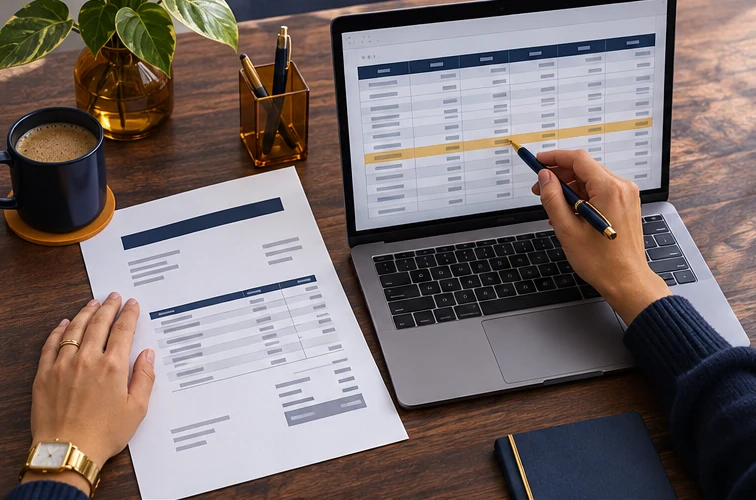
- Receive batch
- Capture fields
- Verify exceptions
- Export records
What you receive. Accepted records and a separate list of items that require a decision, such as an unreadable total or a possible duplicate.
Catalog cleanup and validation
When supplier files arrive in different formats, we can prepare a consistent catalog for review or import. You define the required fields and which source takes priority when values disagree.
| What comes in | What we check | What goes back |
|---|---|---|
| Supplier spreadsheets and an approved field list | Required fields, formats, product identifiers, and category mapping | A standardized file using your column names and field formats |
| Overlapping records from multiple sources | Exact duplicates, likely matches, and conflicting values | An exception log with the source, issue, and proposed correction |
| Updates to existing products | Whether each row is a new record, a change, or an unresolved match | A change summary and records ready for your approval |
For a pilot, compare the accepted-record rate and time spent resolving exceptions against your current process.